When managing a Valor issue for a merchant and it is determined that the terminal is defective and needs to be replaced, it is not always possible to close the open batch from the merchant's machine. This may be due to several causes, such as a tamper, power failure, or the merchant needing to unplug the defective terminal to replace it.
In this case, the best way to close the merchant's batch is to download the same EPI from the defective device into a new device in-house. For example, if a merchant has a terminal with a tamper, the terminal must be replaced and will not be able to close its own open batch. To close the open batch, we would then:
- Find the EPI of the defective terminal in Valor.
- Turn on APP and PARAMETER download.
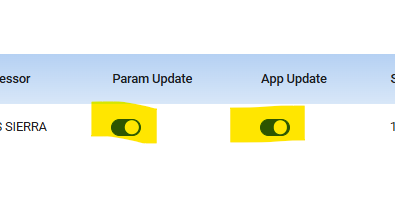
- Download the EPI from the defective terminal into an in-house terminal of the same model.
- Once the download completes, settle the batch.
Doing this ensures the merchant does not incur any funding delays in addition to a defective terminal.
Was this article helpful?
That’s Great!
Thank you for your feedback
Sorry! We couldn't be helpful
Thank you for your feedback
Feedback sent
We appreciate your effort and will try to fix the article